
Naver Pay FaceSign (Face Payment) Now Available & How to Use “Pe-nuri” in Songdo, Incheon
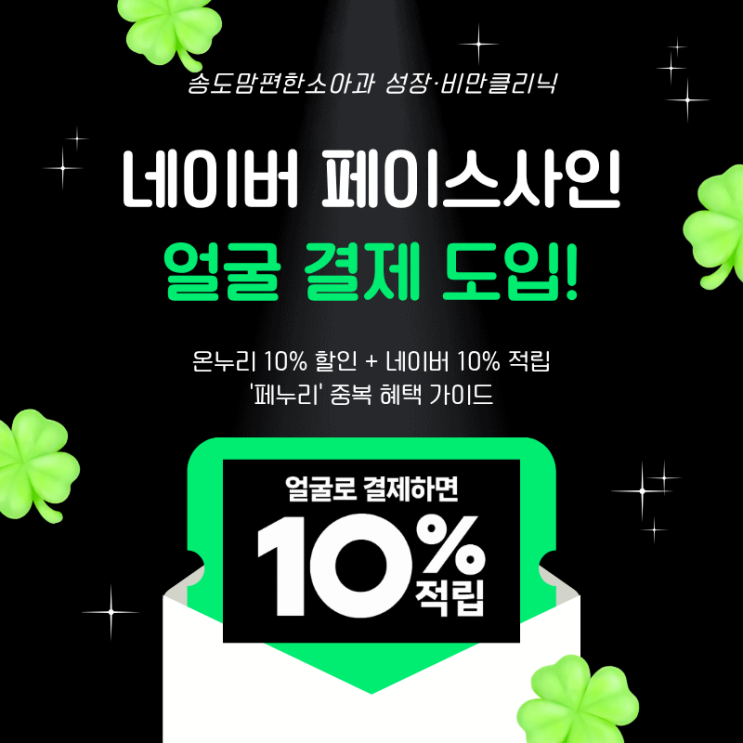
Hello, this is the Growth & Obesity Clinic at the SONGDO ANSHIN annex.
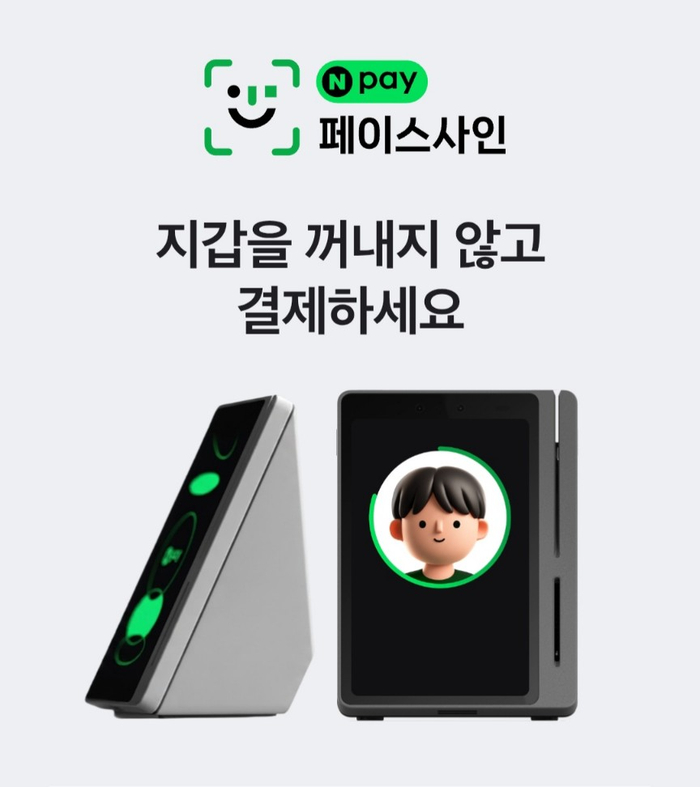
You’ve probably seen ‘Toss FacePay’ at convenience stores and shops lately, where you pay with your face instead of your smartphone.
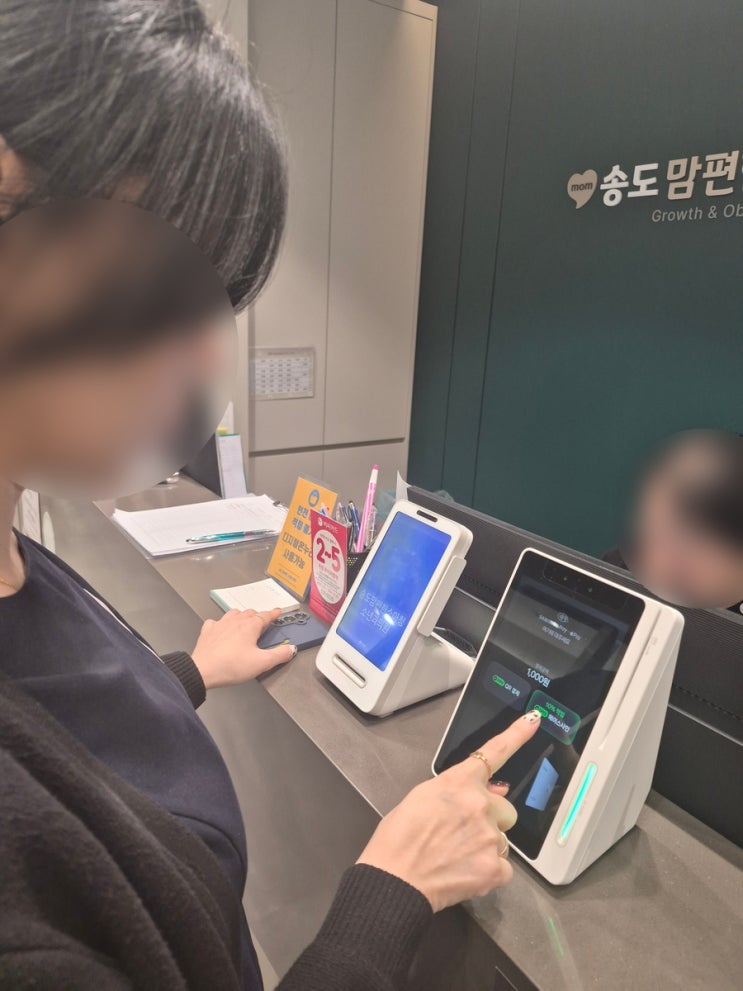
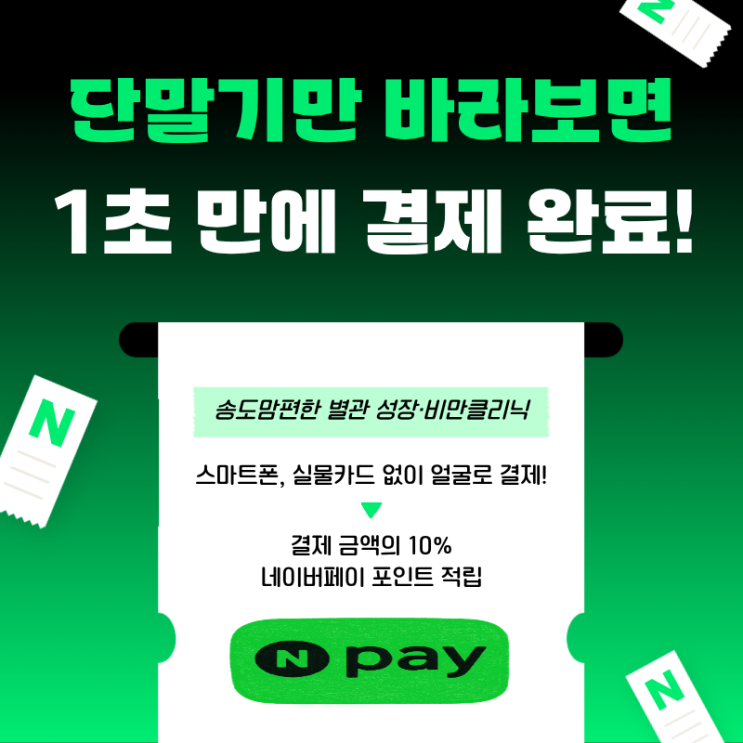
With no need to take out your wallet or card, you just look at the terminal and payment is done in 1 second. This is ‘Naver Pay FaceSign (face payment)’, and it has also become a hot topic among savvy shoppers.
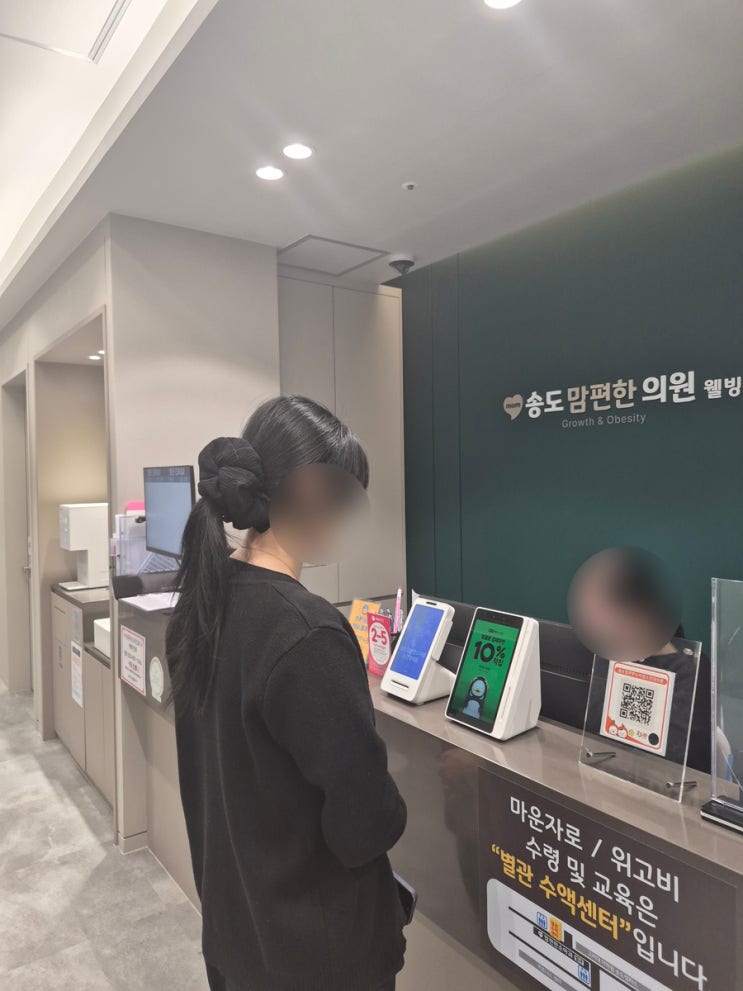
Starting Monday, November 2, Naver Pay FaceSign is now fully available at our annex front desk as well! (※ FaceSign is available only at the annex front desk and not at the main building, so please keep this in mind when you visit!)
Since many people save a good amount by using Naver Pay together with card-type Onnuri gift certificates, we’ve put together the key information in an easy-to-follow guide.
|
💡[Key Summary] Pe-nuri benefits at a glance “Attention, everyone who’s been looking for places in Songdo, Incheon that accept Pe-nuri! 🙌”
(※ These benefits are not discounts offered by the clinic itself; they are rewards and gift-certificate benefits provided by Naver Pay and the Small Enterprise and Market Service. / For ages 17 and older) |
About Naver Pay FaceSign (face payment)
-
Event period: October 12 – November 30, 2026
-
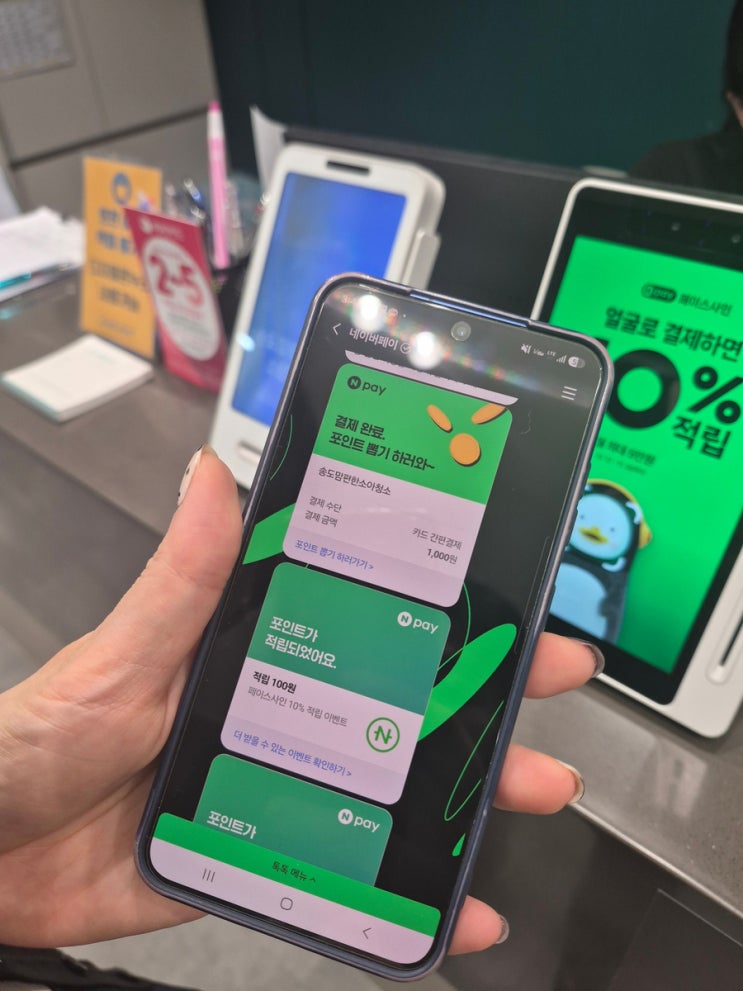
Benefit: When you pay with Naver Pay FaceSign (face payment), you earn Naver Pay points worth 10% of the payment amount (up to 50,000 points per month)
-
Eligibility: Naver Pay members aged 17 and older (who have completed FaceSign registration)
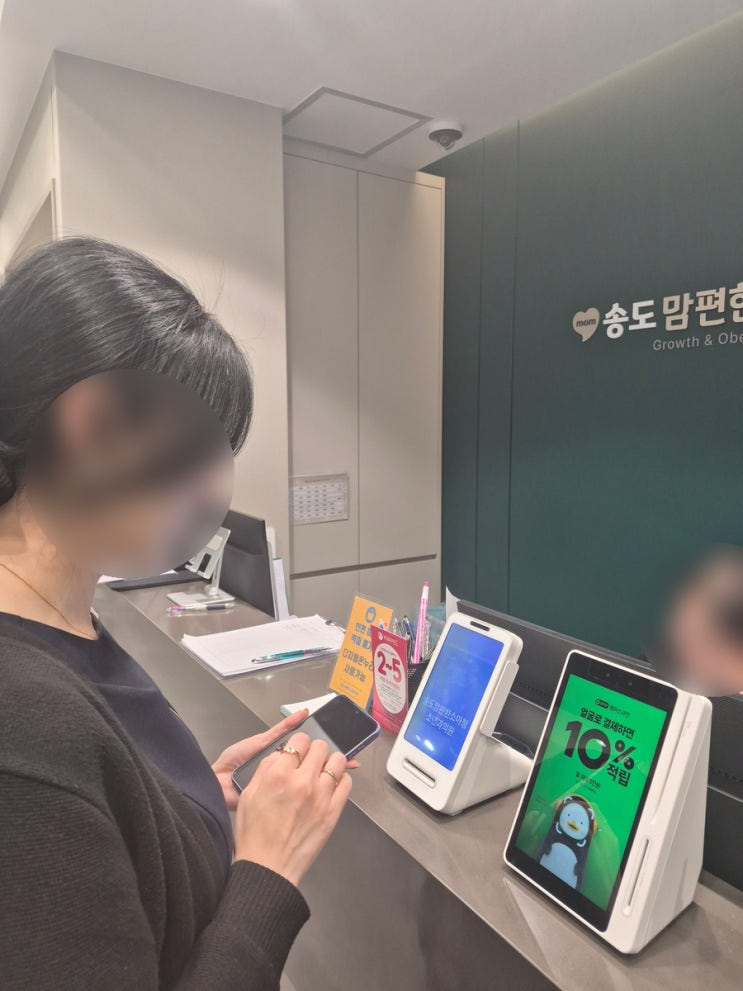
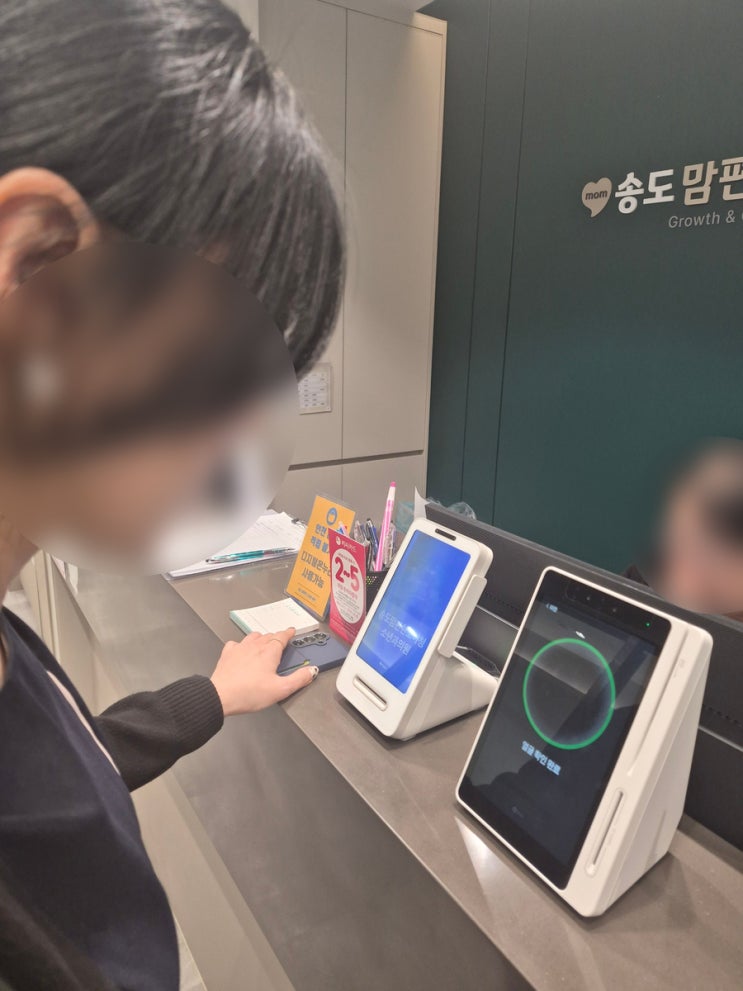
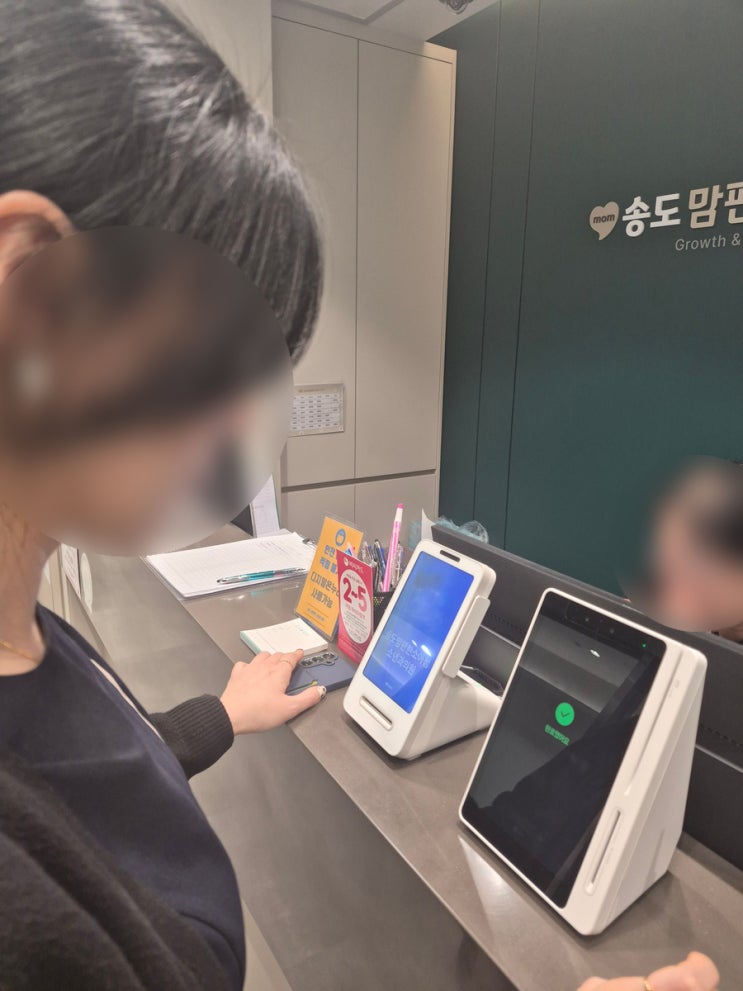
[Songdo, Incheon Pe-nuri Tip] What is Pe-nuri?
Recently, among savvy shoppers and smart consumers, Naver Pay ‘Pe’(from ‘FaceSign’, pronounced ‘peiseu-sain’ in Korean) and ‘nuri’(the digital card-type Onnuri gift certificate) have been combined into the nickname ‘Pe-nuri’.More and more people in Incheon and Songdo are looking for stores that accept Pe-nuri.
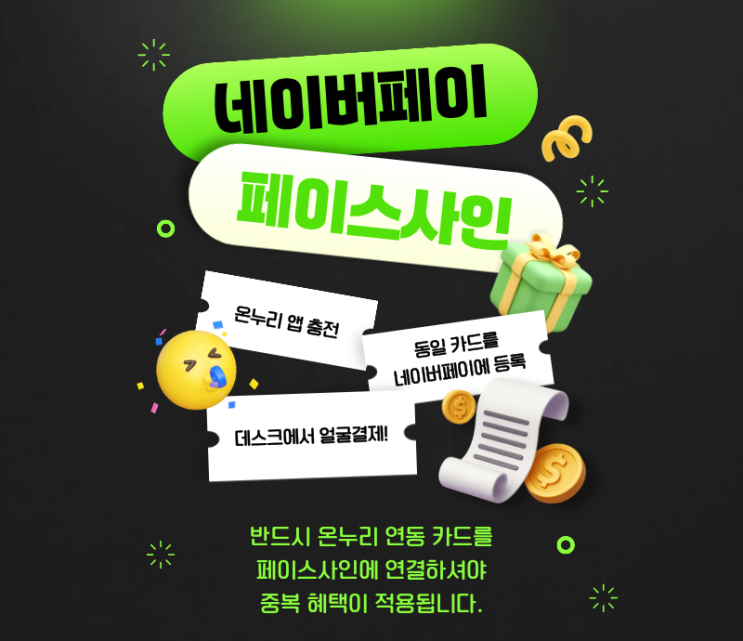
(※ Paper gift certificates and QR payments don’t qualify. You must link the physical card registered in the ‘digital card-type Onnuri’ app to Naver Pay for both benefits to apply together.)
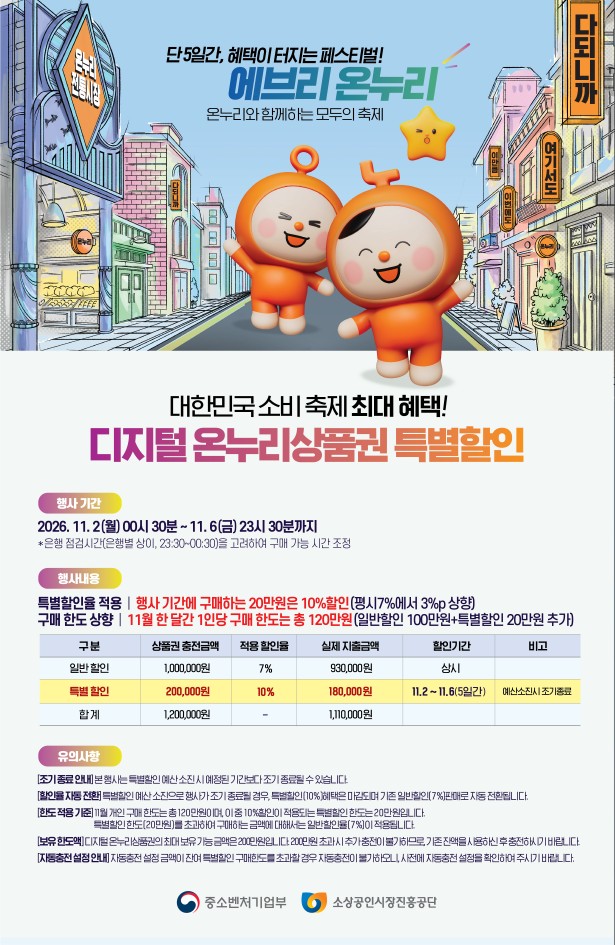
🔥[Breaking Tip] Make the most of the special 10% Onnuri discount period (11/2–11/6)!
-
The usual Onnuri top-up discount is 7%, but from Monday, November 2 to Friday, November 6 at 23:30, there is a special 10% discount event for just 5 days(special discount limit: 200,000 won).
-
FaceSign payment is already available, so if you plan to visit, by this Friday (November 6), top up your Onnuri balance in advance at the 10% discount to enjoy the greatest benefit!
💡[Easy Guide to Using Pe-nuri]
1️⃣ Top up in the Onnuri app: Register your card in the digital Onnuri app and top up at the 10% discounted price. (e.g., pay only 90,000 won for a 100,000 won top-up)
2️⃣ Link the card to Naver Pay: Register ‘the same card’ you registered in the Onnuri app as a payment method in the Naver Pay app, and set up FaceSign (your face).
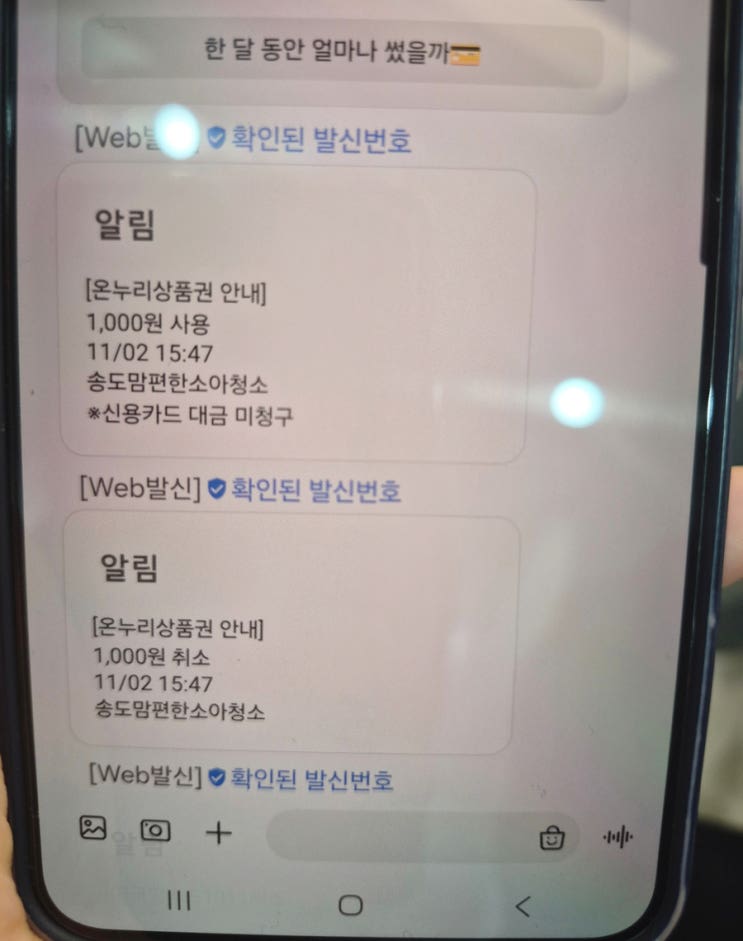
3️⃣ Just pay with your face: When our staff made a test payment themselves, they confirmed that both the Onnuri advance discount and the 10% Naver Pay reward were applied together without any problem!
👉 With both benefits applied, you can effectively save about 18–20% of the actual amount you pay.
How to register for FaceSign in advance
To use FaceSign payment, you need to register your face in the Naver Pay app before paying on site.
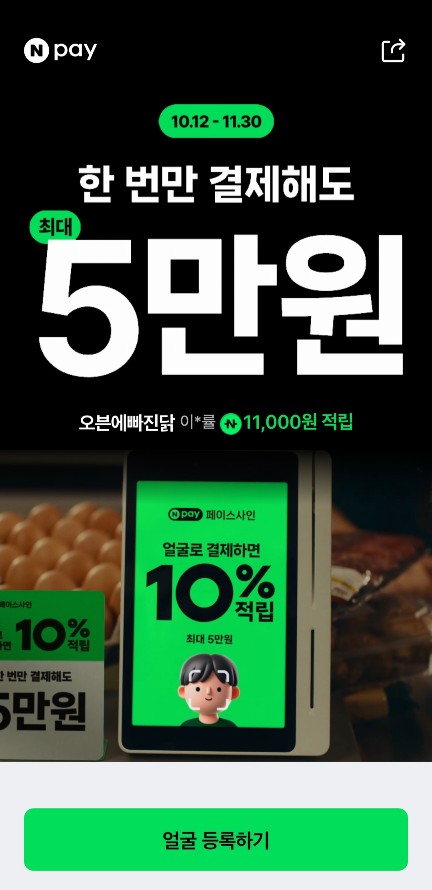
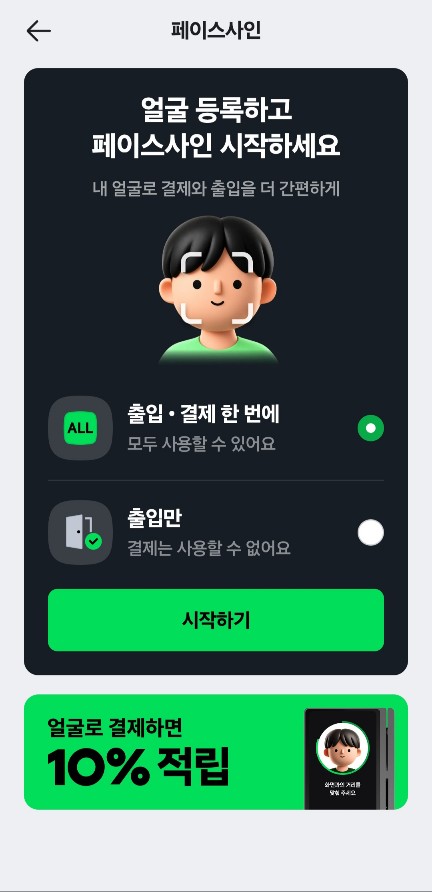
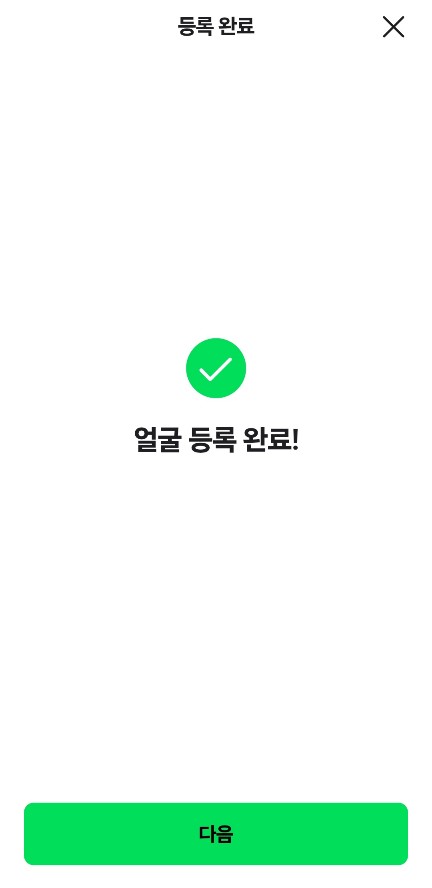
1️⃣ Open the Naver Pay app and select the ‘FaceSign’ menu
2️⃣ Select ‘Entry & payment in one go’ and start
3️⃣ Verify with your own ID card and, following the on-screen instructions, take a photo of your face
4️⃣ After registration, link the payment method you’ll use for FaceSign (such as your Onnuri-linked card)
🎥 [14-second video] FaceSign (face payment) live demonstration
👇 From tapping the terminal screen
to completing face-recognition payment in 1 second,
see the whole process for yourself in the video!
⚠️ Important things to check when using it
-
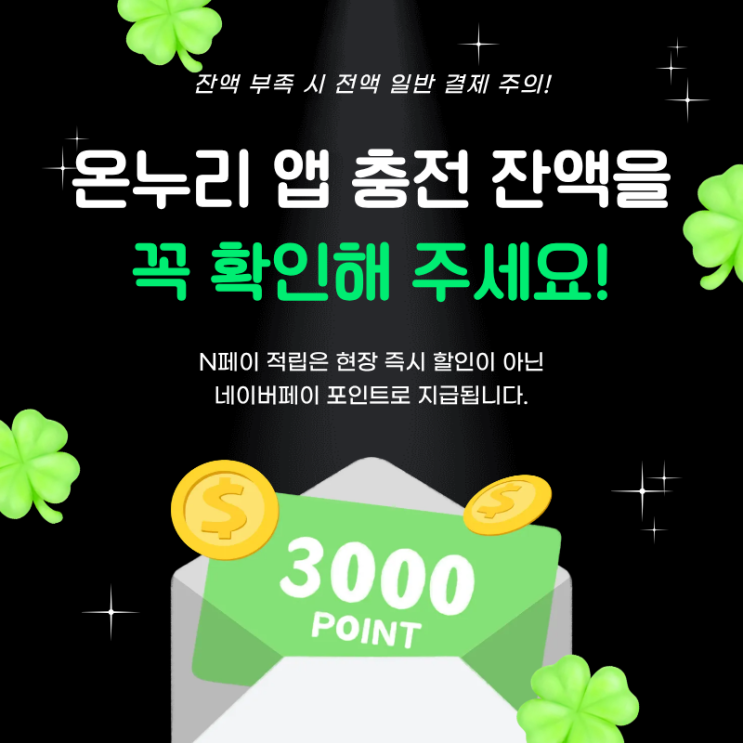
Watch out for insufficient Onnuri balance: When paying with a card-type Onnuri gift certificate, if the payment amount exceeds your topped-up balance, the full amount may be charged as a regular card payment instead of being deducted from your balance, and the Onnuri advance discount may not apply. Please be sure to check your balance in the Onnuri app before paying.
-
How points are given: The FaceSign 10% benefit is not an instant on-site discount; it is given as Naver Pay points .
-
FaceSign payment location: The Naver Pay FaceSign (face payment) terminal is installed only at the annex front desk, so FaceSign payment is available only at the annex.(※ Regular card-type Onnuri payments can be made at both the main building and the annex.)
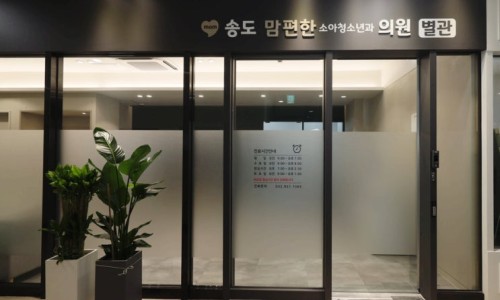
🏥 Annex care in a private, dedicated space!
Curious about our annex Growth & Obesity Clinic where FaceSign payment is available?
Completely separated from the general pediatric care area, it offers a pleasant, quiet setting where you can comfortably receive adult and adolescent obesity care and consultations on obesity injections such as Wegovy, Mounjaro and Efpeglenatide. If you’d like to see the inside of the dedicated annex space and how to get there, please see the post below!
👇 The SONGDO ANSHIN annex!
Songdo Growth Clinic & Obesity Clinic (Mounjaro & Wegovy) dedicated space guide
During the Naver Pay event running throughout November, we hope this will be a helpful tip for saving while using our annex Growth & Obesity Clinic.
For smooth care and consultations, we recommend making a reservation in advance, and if you have any questions, please feel free to contact us at any time!
